How to Create a Powerful Content Plan in 2025: Step-by-Step Guide + Templates
June 24, 2025 Category: Content Marketing
What Is Content Planning?
Content Planning is the organized process of deciding what, when and where you’ll publish content. It bridges your strategy and execution.
- Define content planning: A tactical roadmap aligning topics, channels and timing to business goals.
- Strategy vs. planning: Strategy is the “why” planning is the “what, when, who and how.”
- Real-world examples: A SaaS brand mapping monthly blog posts, emails and social updates in a shared Notion calendar.
Why Is Content Planning Important in 2025?
- Consistency & SEO: Regular content boosts rankings and builds ongoing audience trust.
- Team collaboration: Shared calendars prevent overlap and foster accountability.
- Multichannel marketing: One plan coordinates blog, social, email and video efforts seamlessly.

Step‑by‑Step Guide to Create a Content Plan
Step 1: Define Your Goals and Audience
- Use SMART goals (e.g., “grow email list by 20% in Q2”).
- Develop audience personas (demographics, pain points, channels).
Step 2: Audit Existing Content
- Identify top-performing and outdated posts.
- Spot gaps e.g., missing tutorials or case studies.
Optimizing Existing Content also enhance your online visibility, improve SEO rankings and drive consistent organic traffic to your website
Step 3: Choose Content Types and Formats
- Include blog posts, social media, videos, emails, infographics.
- Diversify formats to reach different audience preferences.
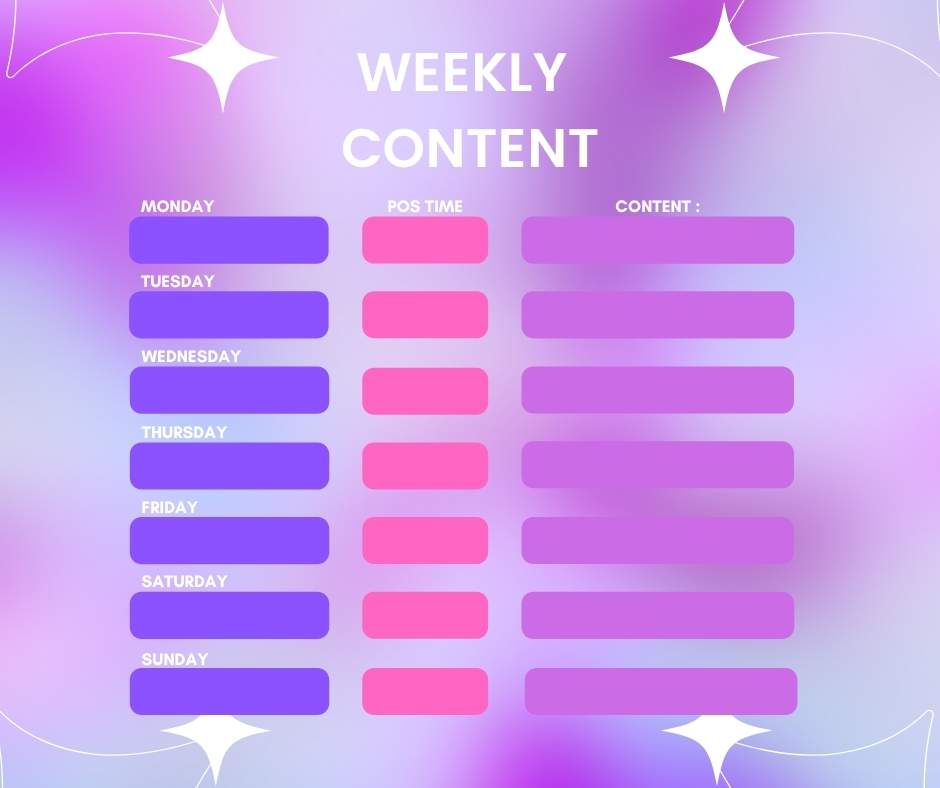
Step 4: Map Your Content Calendar
- Use monthly or weekly views.
- Include topic, format, channel, publish date and owner.
Step 5: Assign Tasks and Deadlines
Clearly assign writing, visuals, editing and publishing roles with due dates and reminders.
Step 6: Use Content Planning Tools
Leverage tools to manage your plan see next section for details.
Step 7: Track Performance and Adjust
- Regularly review key metrics (traffic, engagement, shares).
- Refine upcoming calendar based on what works best.
Content Planning Tools You Should Know
- Airtable: Flexible database + calendars ideal for tracking content stages.
- Notion: All‑in‑one workspace for editorial calendars and content briefs.
- Trello: Visual board with cards and checklists, great for small teams.
- Hootsuite: Schedule social posts and centralize media planning.
- SurferSEO: Aligns blog content with real-time SEO suggestions.
- Google Calendar: Simple, shareable schedule for multi‑channel planning.
Downloadable Content Plan Templates
Here are some excellent ready-to-use templates:
- Backlinko Content Calendar Template (👉 Google Sheets + Excel)
- Notion Content Calendar Templates (👉 Editorial + Social Planners)
- Lark Free Templates (👉 Excel, Sheets Formats)
- Smartsheet Content Calendar Templates (👉 Multiple Formats)
- HubSpot Editorial Calendar Templates (👉 Sheets + Calendar integration)
Or you can click the WhatsApp icon in the bottom right corner or contact us through our website to get help creating a customized Content Planner.
Suggested templates:
- Google Sheets editorial planner
- Notion database + calendar view
- Trello board checklist format
Tips to Keep Your Content Plan on Track
- Repurpose old content: Video->Blog->Social Snippets.
- Plan seasonal/evergreen posts: Holidays, industry trends, Evergreen Pillars.
- Delegate and automate: Use VA’s, freelance writers and tools like Zapier.
Content Planning for Different Channels
- Blog planning: SEO keyword mapping, publication dates, writer assignments.
- Social media: Batch content with captions, visuals, hashtags.
- Email marketing: Weekly newsletters, promo blasts, triggers.
- Video content: Script, filming schedule, editing tasks, publish date.
Content Planning for Different Channels
- Not aligning with Strategy: Each piece must support a goal or persona.
- Overcomplicating the System: Start simple, refine over time.
- Ignoring Analytics: Track what's working and pivot accordingly.
A clear content plan boosts consistency, collaboration and results. Use SEO-friendly templates and tools to streamline your calendar.
👉 Need help with content strategy, optimization or repurposing? Visit our Content Optimization Services or explore Content Repurposing Services to amplify your reach.
Frequently Asked Questions
Building a calendar that aligns content topics, formats, channels and dates with your goals.
Notion, Airtable, Trello for planning; Hootsuite and SurferSEO for distribution and iSEO support.
1 to 3 months ahead is ideal, with quarterly strategic reviews.
Set goals → audit content → choose formats → build calendar → assign tasks → track & adjust.
Use Notion for editorial backlog, Google Sheets for monthly calendars, Trello for content workflows.