20+ Best Canva Alternatives in 2025 (Free & Paid Tools for Designers & Marketers)
June 27, 2025 Category: Tools for Content Creators
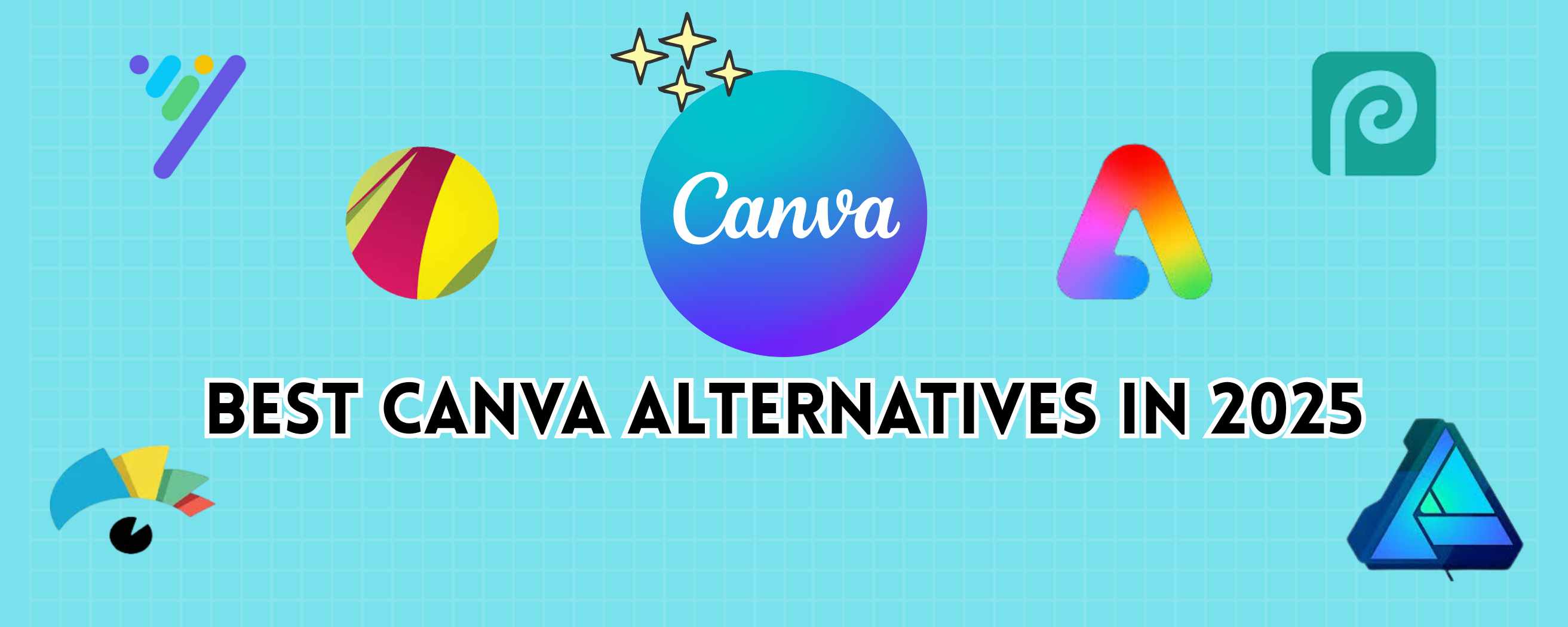
Are you searching for a great Canva Alternative? Canva revolutionized online design, but it's not always the perfect fit. Whether you're on a budget, need offline editing, sharper animations or advanced branding, there are excellent options out there. We've explored over 20 tools both free and paid to help marketers, designers, teams and students find the right match and Repurpose Content for different platforms.
Why Look for a Canva Alternative in 2025?
Canva is polished and popular, but it has drawbacks:
- Performance: Web-based; can slow down with heavy files.
- Feature Gaps: Limited offline editing, animation depth and branding control.
- Pricing: Free version limits assets; Pro may be too costly for some.
- Collaboration and Exporting: Basic team features, limited export formats like SVG editing.
If you’re craving more power or affordability, it makes sense to explore other options.
Key Factors to Consider When Choosing a Canva Alternative
Before choosing, think about:
- Ease of use – For beginners or power users?
- Templates & Assets – Quality, quantity, style?
- Collaboration – Real-time editing, version control?
- Budget – Free, freemium or premium?
- Export Formats – PDF, SVG, MP4, EPS?
- Offline Use – Desktop apps vs. browser-only.
Top Free Canva Alternatives
Here are 6 Free Canva alternatives:
1. Desygner
- Drag-and-drop, web and mobile.
- Offers free stock photos and templates.
- Good for simple social graphics.
2. Adobe Express (formerly Spark)
- Clean interface; social posts, flyers, videos.
- Syncs with Adobe cloud.
- Great for brand consistency via Adobe Fonts.
3. Crello (now VistaCreate’s free plan)
- Thousands of templates; gifs, animated formats.
- Free plan is generous; paid adds extra assets.
4. Photopea
- Advanced image editor (like Photoshop) in the browser.
- Supports PSD, XCF, Sketch.
- Not template-based best for detailed edits.
5. Gravit Designer
- Vector editor with desktop and web apps.
- SVG-friendly with advanced layout tools.
6. Vectr
- Simple vector design tool, great for logos.
- Free with desktop/web versions.
7. Colorcinch
- Includes an incredibly precise background remover, an image upscaler for low-res photos, and "Inpainting" for effortless object removal.
- Their signature "Cartoonizer" and "Photo to Anime" tools transform standard photos into stylized artwork.
- A unique feature that turns photos into descriptive text for AI art experiments.
Each tool suits different needs from social content to vector design and photo editing.
Best Paid Canva Alternatives for Professionals
For serious creators and businesses, these are top-tier Canva Competitors:
1. Visme
- Ideal for infographics, presentations, data visuals.
- Plugin support and prototyping.
- Ideal for design teams and app designers.
2. Figma
- Premier UI/UX design tool with real-time collaboration.
- Plugin support and prototyping.
- Ideal for design teams and app designers.
3. Sketch (Mac-only)
- Vector and interface design heavyweight.
- Works with libraries, plugins and cloud collaboration.
4. Adobe Illustrator
- Industry-standard vector editor.
- Precision and power, suited for pros comfortable with steep learning.
5. VistaCreate Pro
- Upgraded from Crello.
- Animation, brand kits, team sharing.
- Strong Canva alternative with real-time features.
6. Affinity Designer
- One-time purchase (no subscription).
- Advanced vector+pixel precision.
- Great price vs. Illustrator.
7. CorelDRAW Graphics Suite
- Full design suite: illustration, layout, photo.
- Desktop focus and flexible licensing.
Comparison Table: Canva vs Alternatives
| Tool | Price | Best For | Collaboration | Export Formats |
|---|---|---|---|---|
| Canva | Free / Pro | All-rounder, templates-rich | Yes – basic | PNG, JPG, PDF, MP4, SVG |
| Desygner | Free / Paid | Easy social posts | Yes | Standard formats |
| Adobe Express | Free / Premium | Clean social + video design | Yes | JPG, PNG, MP4, PDF |
| Photopea | Free | Photo editing, PSD support | Solo use | PSD, XCF, Sketch files |
| Colorcinch | Free / Plus | AI Photo Editing & Artistic Effects | Solo use | PNG, JPG, PDF |
| Visme | Paid | Data visuals & infographics | Yes – team | PDF, HTML5, JPG |
| Figma | Free / Paid | UI/UX, prototyping | Yes – real-time | SVG, PNG, JPG |
| Sketch | Paid | Mac designers, UI libraries | Yes – via cloud | SVG, PDF, PPTX |
| Affinity Designer | Paid one-time | Cost effective vector design | Solo/limited | EPS, SVG, PDF |
| VistaCreate Pro | Paid | Animation, branding, social | Yes – teams | MP4, GIF, PDF |
| CorelDRAW | Paid suite | All-in-one professional suite | Yes – desktop | CDR, PDF, AI, EPS |
Canva Alternatives for Specific Use Cases
For Social Media
- VistaCreate Pro, Adobe Express, Desygner
For Business Branding
- Affinity Designer, CorelDRAW, Illustrator
For Team Collaboration
- Figma, Visme, Canva Pro (if you stick with Canva)
- Figma, Sketch
- Adobe Express, Crello free, Photopea
Best Canva Alternatives for Marketers, Designers, and Students
There are many Canva Alternatives out there to match your exact needs whether you're a content creator, marketer, student or brand designer. Here’s a quick guide:
- Marketers & Social Creators: Try Visme, Adobe Express or VistaCreate.
- Designers & Pro Creatives: Use Figma, Illustrator or Affinity Designer.
- Students & Educators: Desygner or Photopea give you free quality tools.
Want guidance or tutorials? Check out our Content Optimization Services and see how to boost your visual strategy. Explore more articles like “The Ultimate Guide to Content Repurposing: From Blogs to Social Media.”
Frequently Asked Questions (FAQs)
It depends on your goal. For vector power, go with Affinity or Illustrator. For collaboration, Figma shines. For data visuals, try Visme.
Photopea and Gravit Designer offer completely free plans. Adobe Express is also robust with a free tier.
Figma, Visme and Canva Pro offer real-time team editing and version control.
VistaCreate and Adobe Express are top picks for easy design, while Figma and Affinity Designer are best for professional use.